Plugins Tutorial
This guide is dedicated for developers who make Shearlegs plugins
Making your first plugin
Requirements
All you need to start developing Shearlegs plugin is latest Visual Studio and latest .NET 5 SDK
Installing templates
Open command-line and run the following command to install Shearlegs templates for Visual Studio
dotnet new -i Shearlegs.Templates
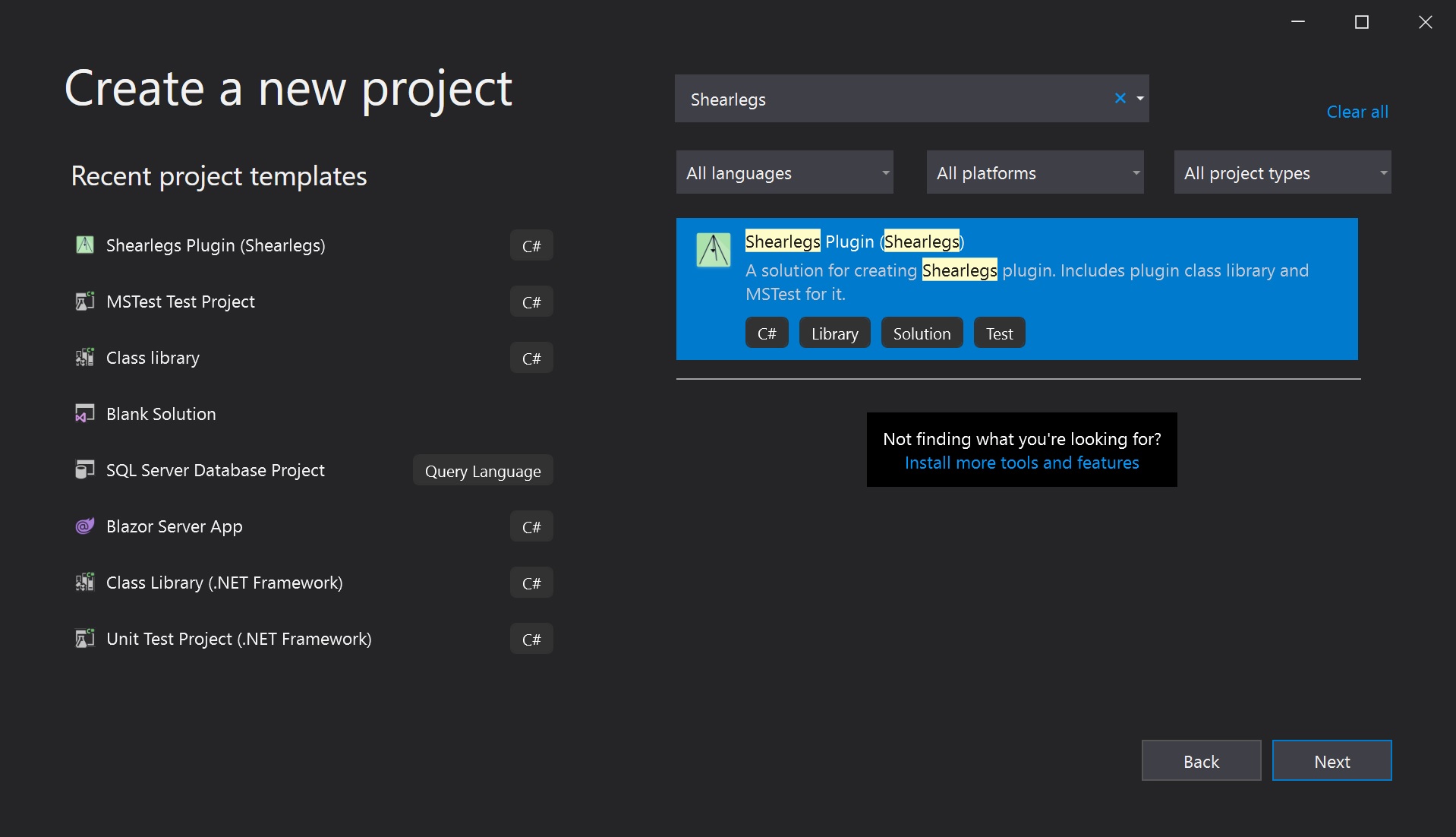
Once you run it, restart Visual Studio and you should see the Shearlegs Plugin project template in the list of templates. Select it and click on Next
Samples
You can find sample plugin projects in the Shearlegs repository under src/samples